
First screen to job request: the path through Marine Electrical and Electronic Services
A boat owner opens the home page and sees the jobs named plainly, with a call button they can tap straight away. If they would rather write, a three-step job tag takes the details.
See the demo (marine-electrical-and-electronic-services.preview.ceasmith.com) ↗
First screen
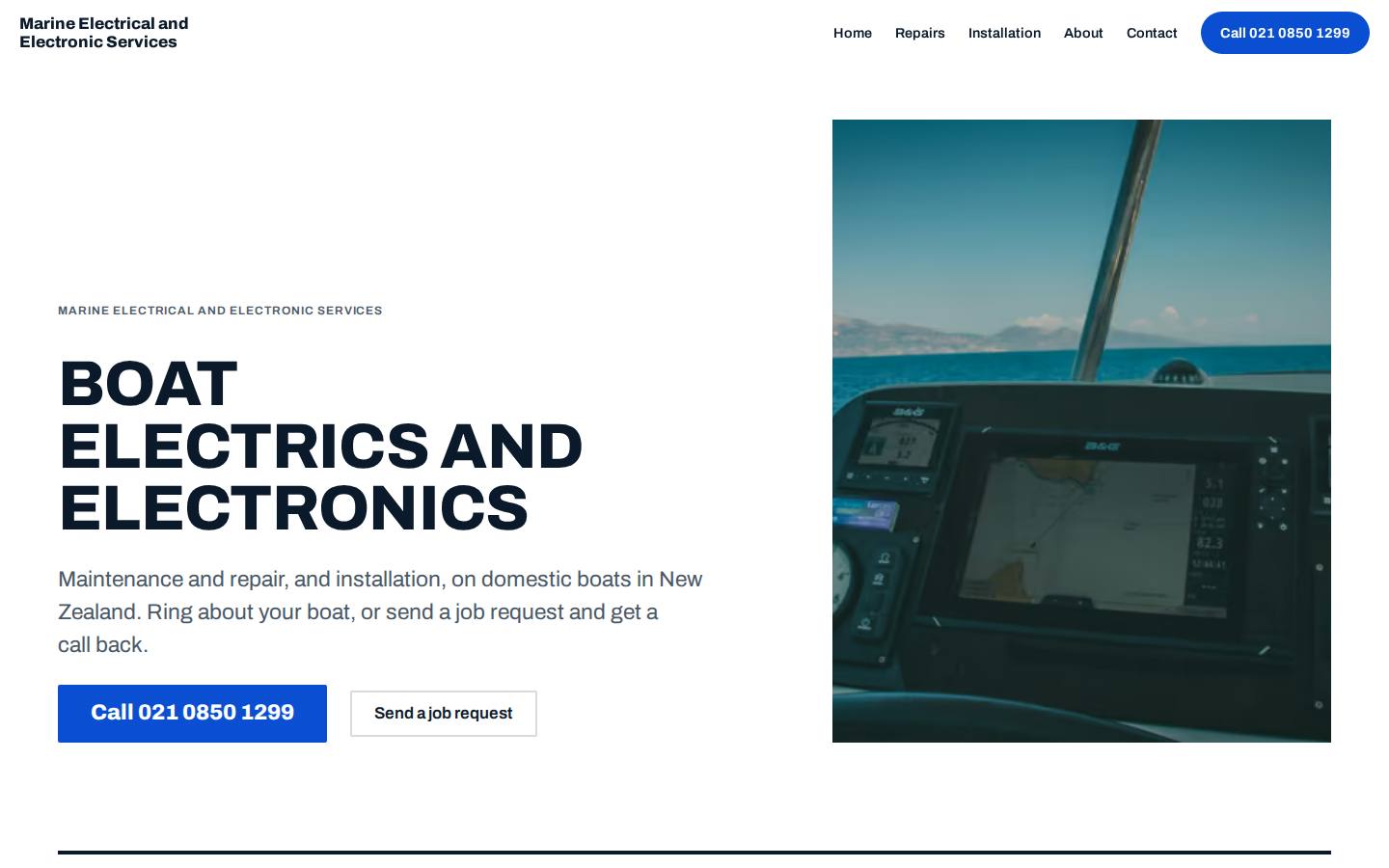
The hero reads Boat electrics and electronics in heavy caps. The lede names maintenance, repair and installation for domestic boats in New Zealand. The call button is the largest control. A helm photo sits beside it (a stock example).
Finding the service
Two service pages split the work the way a boat owner thinks of it: Maintenance and repair, and Installation. The owner picks the page that matches the job on the boat.
Asking for the job
The Send a job request button in the hero jumps to section 02, Ask for your job. Three short steps follow: what the boat needs, electrical or electronics, and who to ring back.
The job tag
The answers print as a job tag with a reference, a perforated blue top edge and a punched hole. A note on it says this is a demo and nothing was sent.
Getting in touch
The Contact page repeats the job request beside the phone number and email. Tap-to-call sits in the mobile header, in every hero and in every closing call to action.
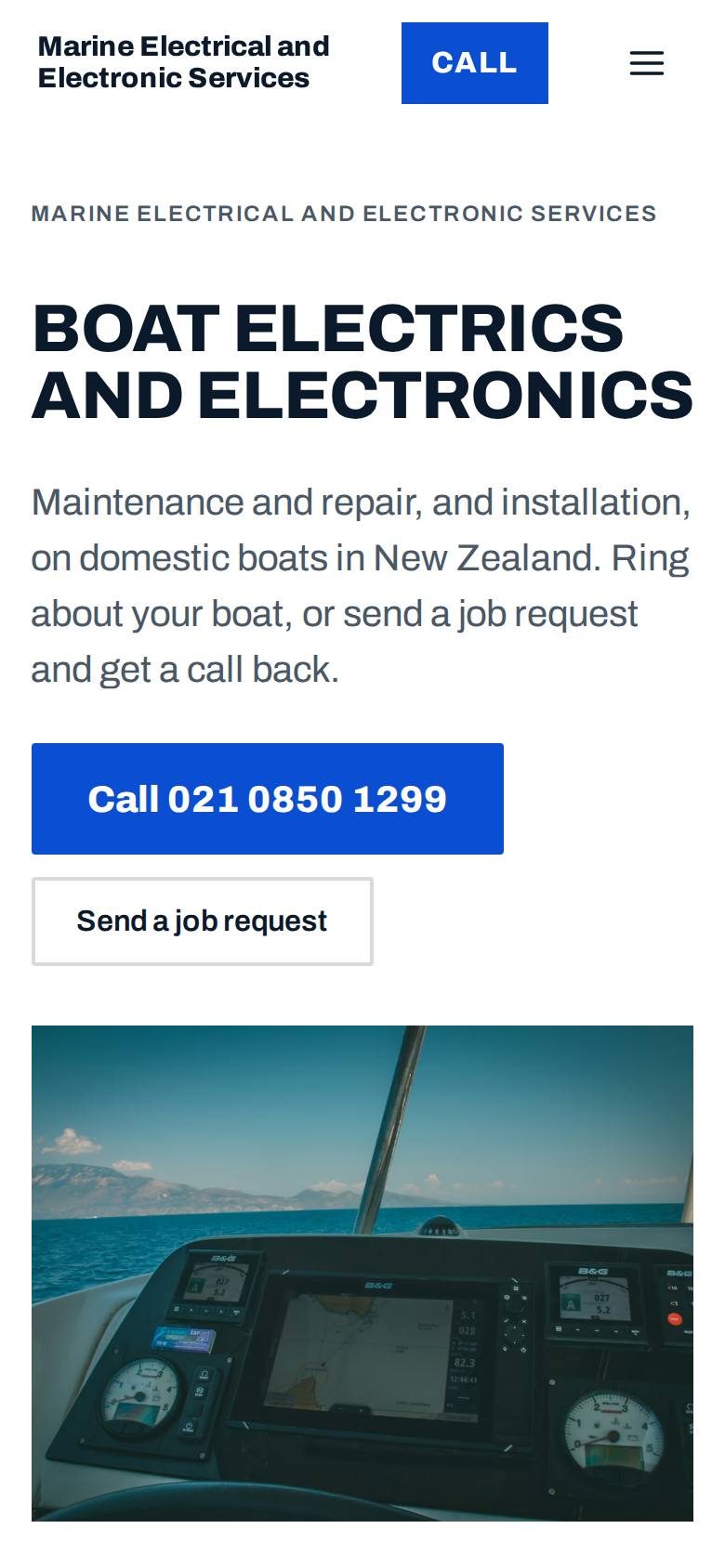
The first screen on a phone.
Why the route runs this way
The research looked at how NZ marine electricians present their jobs. The useful habits were naming jobs plainly, splitting repair from install, and putting the phone first.
A signwritten van repainted for a work boat: white hull, one hard signal blue, black ink. Heavy condensed Archivo caps, numbered services and the phone number as the biggest button on the page. Bold and trade-like, not yacht-club.
The signature moment
The job request tag. Three steps (what the boat needs, electrical or electronics, who to ring back) print a job tag with a reference, a perforated blue top edge and a punched hole. It sits on the home page as section 02 and again on the Contact page. It is how a boat owner says what the job is.
What we tookName the jobs plainly, so a boat owner can scan for their own job on the list.
What we tookThe repair and install split became the two service pages.
What we tookThe phone is the primary action on every screen, including a call button in the mobile header.
The build sheet
Colour
Type
Archivo for headlines, Archivo for reading.
Pages
- Home
- Names the services, puts the call button first and holds the job request tag.
- Maintenance and repair
- One page for fixing and looking after boat electrics and electronics.
- Installation
- One page for fitting new electrical and electronic gear.
- About
- Says who the business is and what it does.
- Contact
- Phone, email and the job request tag together.
- Privacy policy
- Explains how details are handled.
- Terms
- Sets out the terms of use.
Search built in
- An llms.txt summary file is published.
- The home page heading is Boat electrics and electronics.
- The opening text names domestic boats in New Zealand.
- The two service pages use the business's own words: Maintenance and repair, and Installation.
- The phone number is tap-to-call from the mobile header.
A free demo website we built for Marine Electrical and Electronic Services before they had paid anything.
Want a demo built for yours?
A few minutes of questions on your phone. Richard builds a demo of your site, free, and you decide from there.