
Glorious Eatery & BBQ: the brief, point by point
The need that shaped most of this build was a menu people can order from and pay for ahead. Catering, the ordering apps and the barbecue-first front page follow from the same brief.
See the demo (glorious-eatery-bbq-limited.preview.ceasmith.com) ↗
- They asked
A full menu that shows all the island food they cook, including items not listed today.
We builtThe Menu page shows every section with a search box and a line saying every dish the kitchen cooks gets a line. One data file feeds it, so adding a dish is one line. Dishes are labelled examples for now.
- They asked
Prepaid orders that people can pay for and pick up.
We builtAn order panel sits beside the menu on Home and Menu: plus and minus per dish, pickup as soon as possible or at a chosen time, name and mobile, then Pay and place order. The confirmation says no payment was taken.
- They asked
A connection to the food-ordering apps that bring meals to the door.
We builtTwo plain buttons, one per app, in their own section on Home and again on Menu and Service area. With no store link yet, a tap explains it will open their store once the link is added.
- They asked
Reach more customers online and extend the business.
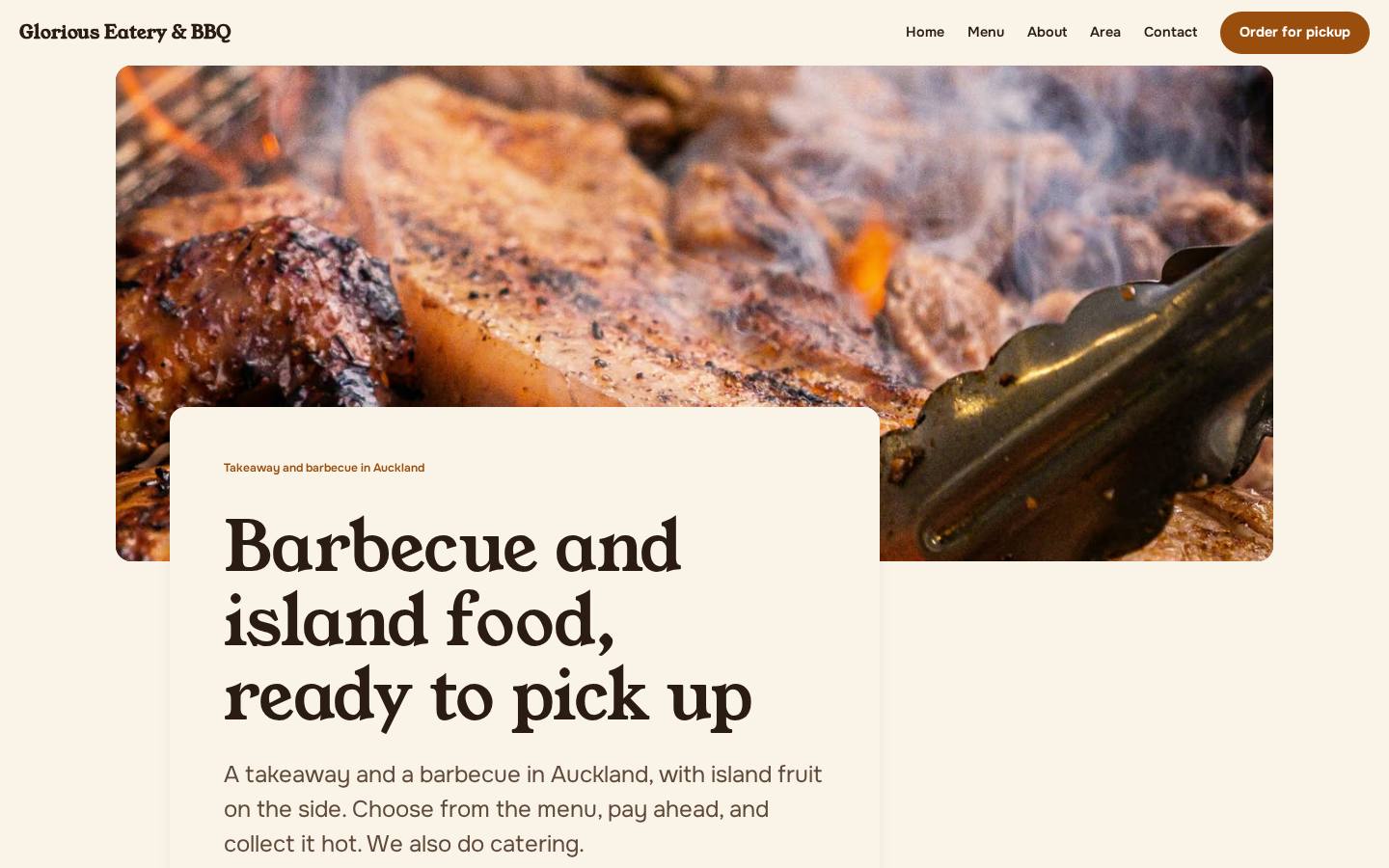
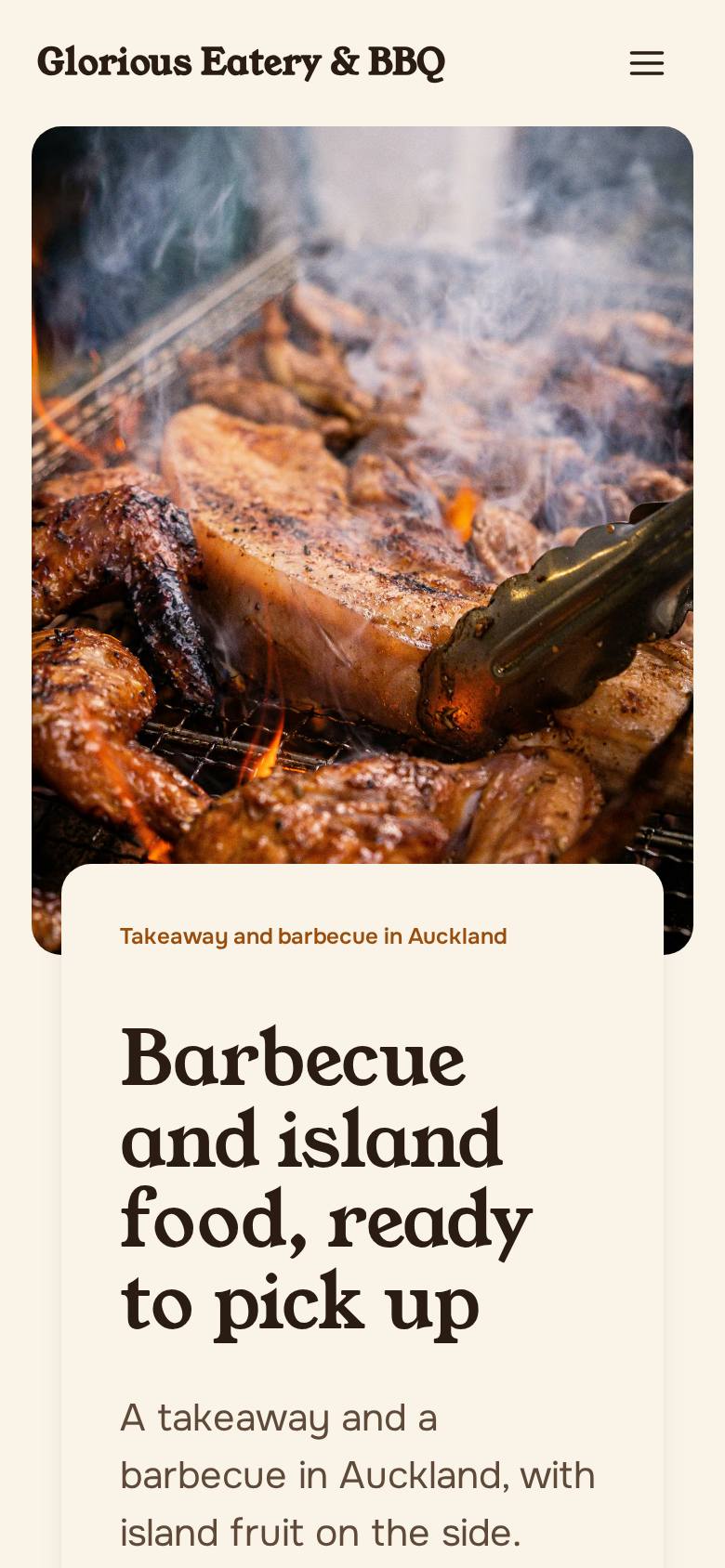
We builtThe Home hero reads Barbecue and island food, ready to pick up, with Order for pickup and Call buttons. Order for pickup is also in the nav on every page. An llms.txt summary file is published.
- They asked
Catering as well as takeaway.
We builtCatering has its own section on Home and is the main ask on the Contact page.
The thinking behind it
The build draws on Pacific island takeaways in New Zealand, plus a barbecue takeaway sold through an ordering app.
A friendly shopfront: a soft serif headline, real-feeling photos laid over each other, and the phone number never far away. A warm cream ground, no dark hero band, and a palette taken from papaya flesh and grill embers.
The signature moment
The order menu: a tabbed island menu where the plus button on any dish builds a prepaid pickup order beside it, through to a Pay and place order confirmation. It is what they asked for, so it is what the site is built around.
What we looked at
What we tookThe menu is written in dish names people already know, so the build lists island dishes by name. Catering sits beside takeaway.
What we tookLocal demand for ordering online. Prepaid pickup is built into the menu so choosing and ordering are one motion.
What we tookBig appetising photos, plain friendly words and a phone number that is never far away.
What we tookThis category sells through the apps, so the two app buttons sit near the top of the page.
The build sheet
Colour
Type
Young Serif for headlines, Onest for reading.
Pages
- Home
- Grill photo hero, the order menu with barbecue and island food tabs, the app buttons and the catering section.
- Menu
- Every section of the island menu with search and the order panel.
- Service area
- Where the takeaway serves, with the app buttons repeated.
- Contact
- Phone and catering enquiries, with catering as the main ask.
Search built in
- An llms.txt summary file is published.
- The Home hero label reads Takeaway and barbecue in Auckland, a plain local signal.
- The menu is written as readable text, one line per dish, fed from a single data file.
A free demo website we built for Glorious Eatery & BBQ before they had paid anything.
Want a demo built for yours?
A few minutes of questions on your phone. Richard builds a demo of your site, free, and you decide from there.